
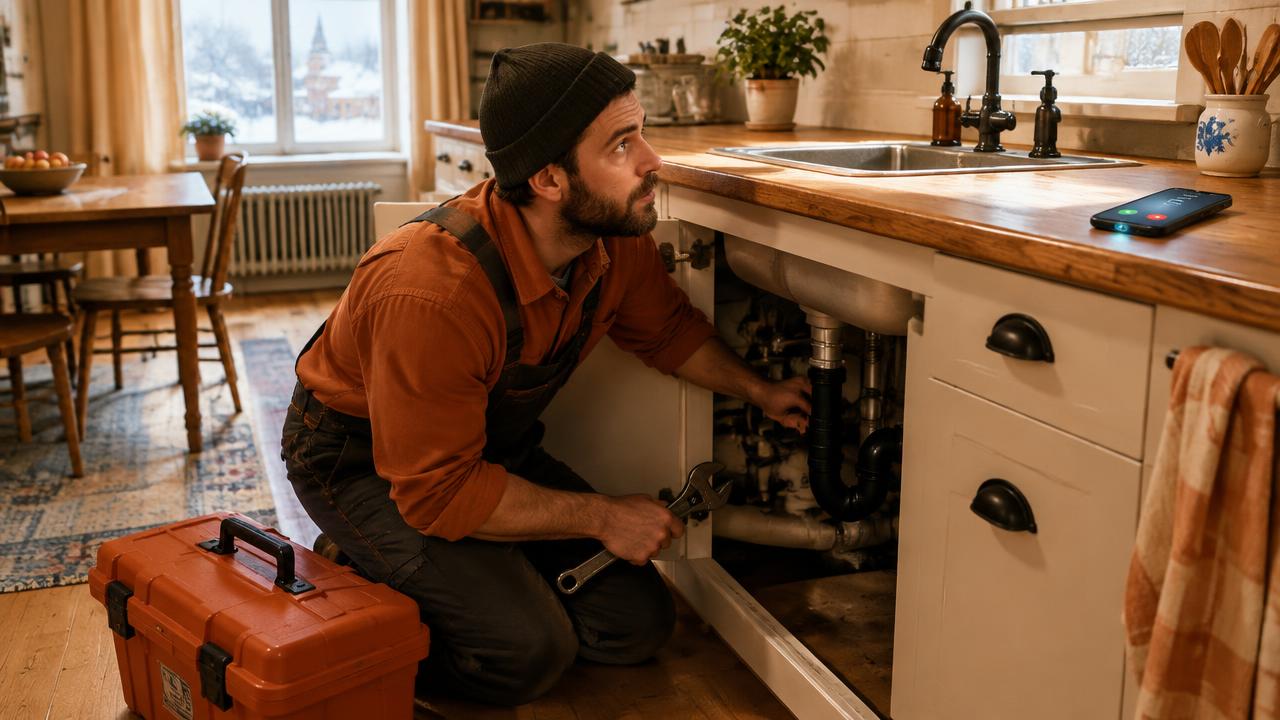
You're on your knees under a sink, a wrench in one hand and a flashlight in the other. Or at the top of a stepladder, screwing in a sheet of drywall. Or in the truck on Highway 40, between two customers. Your phone rings, and you know full well you won't be able to answer. For people in the trades, this is everyday life: the phone always rings at the worst possible moment. There's nothing to be ashamed of. You work with your hands, and that's exactly why your customers call you. So this guide won't ask you to answer every call. Instead, it offers practical ways to stay in touch with your customers while your hands are busy, without putting your safety or the quality of your work at risk.
Full Hands Come with the Trade
Plumbers, electricians, carpenters, painters, roofers, mechanics, landscapers: they all have one thing in common. Their work is done with their hands, often in awkward positions, with gloves, dust, water or paint. Pulling out a phone under those conditions is rarely possible, and sometimes downright dangerous.
Add the noise of a circular saw, a basement where the cell signal barely gets through, or a customer standing next to you explaining what they want. Even with the best intentions in the world, some calls will go unanswered. That's normal, and it says nothing about how seriously you take your work.
So the real issue isn't picking up more often. It's making sure the person who called isn't left without news. Between "I answer right away" and "I don't answer at all", there's a whole range of in-between solutions, and that's where it all happens.
What Your Customer Really Expects When They Call
When a customer dials your number, they don't necessarily expect you to solve their problem within the minute. What they want above all is to know their request was received and that a real person will take care of it. A quick reply, even a short one, reassures them far more than hours of silence.
On the other hand, reaching a generic voicemail often leaves the customer unsure. Is this the right number? Is the business still operating? Will they get a call back today or next week? When in doubt, many people hang up and simply call the next name on their list. It's not a lack of loyalty: they have a need to take care of.
Keep this simple idea in mind: your goal isn't an immediate answer, it's a quick acknowledgement. Once the customer knows you saw their call and knows when you'll get back to them, they're much more likely to wait.
Safety First: When You Really Shouldn't Answer
No job is worth a fall from a ladder, a cut or a car accident. Some situations call for letting the phone ring, period. Having something in place for missed calls takes away the pressure to pick up at all costs.
On the road, the rule is clear. In Quebec, the Highway Safety Code prohibits holding a portable electronic device, such as a cell phone, while driving, and the penalties are severe. The detailed rules are explained by the SAAQ, and other provinces have similar distracted driving laws. The simplest approach is to treat driving time as time when you don't answer, and to get back to your messages once you're parked.
- You're working at height: stepladder, scaffolding, roof.
- You're using a power tool or cutting tool.
- You're working on a circuit, a gas line or a pressurized system.
- You're driving, even slowly or at a red light.
- You're in the middle of a conversation with an on-site customer who deserves your full attention.
Simple Habits Already Built into Your Phone
Before you even think about an extra tool, your phone offers a few useful features. On iPhone, when a call comes in, you can tap the Message button to send a quick preset reply, something like "I'm on a job site, I'll get back to you soon." On most Android phones, the Phone app also offers quick responses that work the same way. You can customize these phrases in your settings.
These replies still require a tap from you at the moment of the call, which isn't always possible with gloves on or wet hands. It's a good stopgap, but not a complete solution. Also take care with your voicemail greeting: name your business, mention that you're probably on a job site, and say when you usually call back.
Finally, Focus modes on iPhone and Do Not Disturb on Android let only certain calls through, for example those from your team or your favourites. That's handy for protecting yourself from interruptions during a delicate task, as long as you plan something for new customers, who aren't in your contacts.
The Automatic Text After a Missed Call
The most complete solution is to let technology take the first step for you, without you having to touch your phone. With conditional call forwarding, a feature offered by most providers, a call you don't take can trigger a text message to the customer within seconds.
That's what Alloia does. When you miss a call, the customer automatically receives a text sent from your business's current number, the one they just dialled. The message confirms that you're busy and invites them to describe what they need in writing. From there, the conversation continues by text, and you find all your exchanges in one place.
While you finish your solder joint or your bead of caulking, the customer is already explaining their situation, sometimes sending a photo, and giving you their address. When you pick up your phone again, you have everything in front of you to give a useful reply. You don't change your number, and your business cards and truck lettering stay the same. Most importantly, you're still the one who answers the customer: the tool simply buys you a little time.
Setting Aside Time to Reply
Texting has a big advantage over calling: it doesn't require you and the customer to be available at the same moment. To make the most of it, avoid checking your phone every time it buzzes. Instead, set a few short windows during the day to go through your messages.
Many contractors get into the habit of replying in the truck, engine off, before heading to the next customer. Others do it on their coffee break or at lunch. What matters is consistency: if your customers know you usually reply within two hours, they'll wait for you.
- Before starting the day: a quick look at messages received the night before.
- At the morning break: replies to new requests and visit confirmations.
- At lunch: simple quotes and pending questions.
- Between customers, once parked: quick follow-ups.
- At the end of the day: one last check, then a holding message for anything that will wait until tomorrow.
Sharing the Load with Your Team
If you're not alone in the business, take advantage of it. Someone in the office, a partner or a family member who handles the admin side can follow conversations while you're in the field. But everyone needs to know who does what.
The most common trap is two people replying to the same customer, or each person thinking the other one is handling it. A single inbox, where the whole team sees the same history, solves a good part of the problem. Add a simple rule, such as "whoever replies first takes the file", and you avoid most misunderstandings.
For technical questions, the person in the office doesn't need to know everything. They can gather the basic information, reassure the customer, then pass the request on to you. You then answer the part that requires your expertise.
Ready-to-Copy Texts for Busy Days
Having a few ready-made phrases saves time and keeps your tone consistent, even when you're in a rush. Here are templates to adapt to your trade and the way you talk. Keep them short and avoid promising a timeline you can't keep.
- First contact: "Hi, this is [Name] from [Business]. I'm on a job site and couldn't pick up. Could you text me what you need here? I'll get back to you as soon as I can."
- For a quote: "Thanks for calling! To prepare a quote, could you tell me the type of work, your city and, if possible, send me a photo?"
- To buy some time: "Got it, thanks! I'm finishing up a job and will text you around [time]."
- To schedule: "I can come take a look Tuesday or Thursday morning. Which works best for you?"
- End of day: "Thanks for your message. My day is done, and I'll reply first thing tomorrow morning."
- After the visit: "Thanks for having me today. If you have any questions about the work, text me here."
Mistakes to Avoid
A few bad habits can undo all the effort you put into staying connected. The good news is that they're easy to fix once you've spotted them.
- Answering while driving or working at height to "not lose the customer". No customer is worth that risk.
- Promising a callback "in 5 minutes" when you still have an hour of work left.
- Leaving a request unanswered because it seems small: a minor service call can lead to a big job later.
- Writing messages that are too curt or full of abbreviations. A professional text stays warm and clear.
- Forgetting to confirm the address and time of a visit in writing.
- Continuing to text a customer who asked to stop receiving messages.
FAQ: Answering Customers When You Work with Your Hands
Do I need to answer every call to keep my customers? No. What matters is that every customer gets a quick reply confirming their request was received. The rest of the conversation can happen later, by text, when you're available.
Does the automatic text replace human contact? Not at all. It sends a first message so the customer isn't left without news, then you or your team take over. The relationship stays between you and your customer.
Do I need to change my number to use Alloia? No. The text goes out from your current number using conditional call forwarding. Your customers keep dialling the number they already know.
What if I manage to pick up? The call goes ahead as usual. The text is only sent when the call couldn't be answered.
Do customers calling from a landline receive the text? Generally, no, since most landlines can't receive texts. The call stays in your history, and the best thing to do is call the person back as soon as possible.
How long does it take to set up? Conditional call forwarding can usually be activated in a few minutes, with a code on your phone or through your provider. After that, everything happens automatically.