
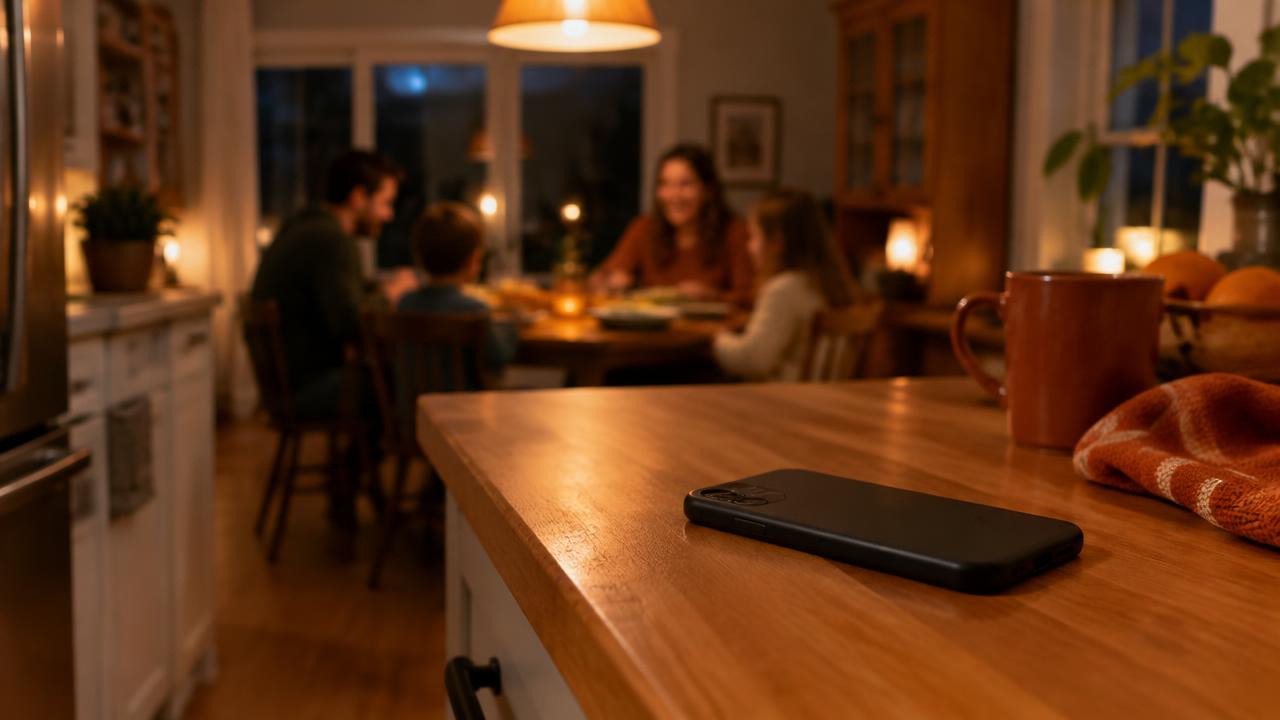
It's 7:40 p.m. You've finally sat down for dinner after a long day, the kids are telling you about school, and the business phone starts buzzing on the counter. Unknown number. Maybe a new customer, maybe a question that could wait until tomorrow. You hesitate: if you answer, the evening slides back into work; if you don't, you spend the rest of the night wondering whether you just lost a job.
Why So Many Calls Come in the Evening
If your phone often rings after hours, it's no accident. Most of your customers work during the day too. It's in the evening, once they're home, that they notice the leak under the sink, take the time to look for a physiotherapist or finally decide to ask for a quote on their deck.
Weekends follow the same logic. On Saturday morning, people walk around the house, look at their to-do list and call the businesses they found on Google. For a small business or a self-employed professional, those moments are exactly the hours when you'd like to switch off a little.
Getting calls in the evening is actually a good sign: people need you. Missed calls after hours come with the job, and there's nothing wrong with not answering at 8 p.m. The real challenge is finding a way to stay in touch with those people without sacrificing all your evenings.
The Dilemma: Answer Everything or Let It All Ring
Many small business owners swing between two extremes. Some answer every call, at any hour, for fear of missing an opportunity. Over time, that wears you down: you're never really off, your family starts finding the phone intrusive, and fatigue builds up.
Others choose to let everything ring after a certain time. That's healthy for balance, but it comes with worry. The customer who called at 7 p.m. doesn't know whether their message was heard. If their need is pressing, they may call the next business on their list, simply because they want an answer.
There's a middle path: don't answer in person, but make sure every caller knows they were heard and that you'll get back to them. That's what lets you keep quiet evenings without leaving customers hanging.
Set Your Availability Hours, and Display Them Everywhere
The first step is to decide clearly when you're available by phone. Those hours don't have to match your actual working hours. A contractor might be on a job site until 6 p.m. but choose to take calls only between 8 a.m. and 5 p.m. A massage therapist might see clients on Thursday evenings without answering the phone during treatments.
Once you've chosen your hours, display them consistently everywhere a customer can find you. When hours are visible and clear, people adjust their expectations. A customer who sees "reply the next morning" on your Google profile won't worry as much when nobody picks up in the evening.
Think about statutory holidays and special periods too. Google Business Profile lets you set special hours for holidays, so customers don't call or show up thinking you're open.
- Your Google Business Profile, including special holiday hours.
- The Contact page and footer of your website.
- Your email signature and your quotes.
- Your Facebook and Instagram pages, if you have them.
- Your voicemail greeting.
Use Your Phone's Settings
Your phone can help you stick to the limits you've set. On iPhone, Focus modes (including Do Not Disturb) can be scheduled to turn on automatically at a set time. On Android, Do Not Disturb offers similar options, with schedules and exceptions.
The most useful setting is often the exceptions. You can let calls from your favourite contacts through, for example your partner, the daycare or a trusted employee. On iPhone, the "Repeated Calls" option also lets a second call from the same number within three minutes ring through, which can help you spot someone who's really trying to reach you.
If you use a single phone for both personal life and business, these settings matter even more. Some people choose a separate line for the business, which they can silence in the evening without cutting themselves off from loved ones. There's no universal right answer; what matters is that the system works for you.
Tell Real Emergencies Apart from What Can Wait Until Tomorrow
Not all evening calls are equally important. In some trades, like plumbing, heating or roofing, a real emergency can happen at 9 p.m. In others, like accounting, esthetics or photography, most requests can wait until the next morning.
Take a few minutes to define what counts as an emergency in your business. If you offer emergency service, say so clearly and explain how to reach you in those cases. If you don't, that's perfectly fine too: you can say so simply, and remind people to call 911 in case of immediate danger.
Once you've made that distinction, it becomes much easier to leave the phone alone. You know real emergencies have a planned path, and everything else will be handled first thing the next day.
- Write down the three or four situations in your trade that truly can't wait.
- Decide whether you handle them in the evening or redirect to another service.
- Write one clear sentence about it that you'll reuse in your messages.
- Always mention 911 for any immediate danger to people.
Automatic Text: An Acknowledgement While You Have Dinner
The biggest stress of a missed evening call is the silence. The customer doesn't know whether they dialled the right number, whether the business is still active or whether anyone will call back. A text sent a few seconds after the call solves that: it confirms the call was received, says when you'll get back to them and invites them to describe their need in writing.
That's exactly what Alloia does. Using conditional call forwarding, a feature offered by most providers in Canada, calls you don't pick up trigger an automatic text sent from your current number, the one the customer just dialled. You keep the same number on your Google profile, your business cards and your truck.
The customer can then reply by text, at their own pace. The next morning, instead of a list of numbers with no context, you find messages that already explain the need, the address or their availability. Alloia doesn't replace anyone: you or your team reply, simply at the time that suits you.
Since the wording of the message is yours, write it so it works at any hour: mention your availability hours and when you usually reply, for example "on weekdays, we reply between 8 a.m. and 5 p.m." The tone stays yours, and the promise stays realistic.
Sample Texts for Evenings and Weekends
A good evening text is short, warm and honest. It names your business right away, says clearly when you'll reply and suggests one simple action for the customer. Avoid long or overly corporate wording: your customers should feel they're dealing with a real local business.
Here are a few examples to adapt to your trade, your hours and the way you talk.
- General: "Good evening, this is [Business]. Our office is closed for the evening. Text us what you need and we'll reply tomorrow from 8 a.m."
- Trades: "Good evening! Thanks for calling. Send us your address and a short description of the work, and we'll get back to you tomorrow morning with next steps."
- Health and care: "Good evening, this is [Name] Clinic. The clinic is closed. Text us your name and the reason for your call, and our team will reply at the start of the day."
- Weekend: "Hello, thanks for thinking of us. We're closed on weekends. Text us and we'll reply first thing Monday morning."
- With emergency service: "Good evening, our office is closed. For an emergency (water damage, heating failure), include URGENT in your reply. For any immediate danger, dial 911."
A Morning Routine to Pick Up Yesterday's Requests
Setting evening calls aside only works if you have a reliable way to pick them up the next day. Without a routine, messages pile up, you forget to call someone back and the worry returns. With a simple routine, you start the day knowing exactly who is waiting for an answer.
Block fifteen to thirty minutes at the start of the day, before the first customer or the first job site. A coffee, the text inbox open, and you go through the previous evening's requests. Many can be handled in a line or two, without even needing to call.
Replying early in the morning also sends a great signal to the customer. They wrote the night before and get an answer before 8:30 a.m.: to them, your business is responsive, even though you didn't touch your phone all evening.
- Read messages marked urgent, or describing a problem that's getting worse, first.
- Reply by text when possible, and only call those who need it.
- Suggest two or three specific time slots rather than an open question.
- Write down what you promised each customer so nothing slips through.
- Call back people who phoned from a landline and therefore couldn't receive a text.
FAQ: Common Questions About Evening Calls
Is it frowned upon not to answer in the evening? No. Most customers understand that a business has hours. What bothers them is mostly hearing nothing at all. A quick acknowledgement and a reply the next morning are enough in the vast majority of cases.
Do I need to change my number to send an automatic text after a missed call? No. With Alloia, the text is sent from your current number, using conditional call forwarding. Your customers keep dialling the number they know.
What if I decide to answer anyway? The call goes ahead as usual. The text is only sent when the call isn't picked up, whether it's daytime, evening or weekend.
Do people calling from a landline receive the text? Generally, no. The call stays visible in your history, and the best thing to do is call the person back during your morning routine.
Can I customize the text? Yes. It's a good idea to include your business name and when you usually reply. A message that says when you'll get back to them is more reassuring than a generic one.
What if a customer texts during the evening? Nothing requires you to reply right away. The message waits in your inbox, and you answer at the time you've chosen.